
slskd
slskd is a Soulseek client. Aurral uses it to download tracks for flows, playlists, and Aurral albums. For an Aurral album, Aurral can download one whole folder at once when the folder fits the requested release.
Aurral stops its active search when it has enough suitable results, reaches its time limit, or the download is cancelled. This also applies when Clean up after runs is off; that setting controls retention of completed searches and transfers.
- Mount the same media root in Aurral and slskd, at the same container path. See Filesystem and mounts.
- Open Settings > Download clients > slskd.
- Turn on Enable slskd.
- Enter the Server URL and the API key.
- Select Test connection.
The API key is optional. Leave it empty when slskd runs without authentication, for example with SLSKD_NO_AUTH=true, --no-auth, or web.authentication.disabled: true. Use this only when a reverse proxy that requires sign-in sits in front of slskd.
Aurral reads each completed file at the path that slskd reports, and moves it into the Downloads Folder.
If slskd runs on Windows and reports host paths such as N:\..., mount the parent folder in Aurral. Then add a mapping in Settings > Download clients > Remote path mappings, with Applies to set to slskd.
Options
Section titled “Options”- Source priority sets the order among download sources. The default is
10. - Clean up after runs clears finished slskd transfers when a flow or playlist run ends.
To choose the accepted FLAC, MP3, and M4A tiers, open Settings > Download clients > Quality profile. See Quality profile.
slskd can supply missing tracks and upgrades. Aurral reads each downloaded file before it accepts the quality.
How Aurral searches
Section titled “How Aurral searches”For a track, Aurral searches for the artist and the album first. If that gives too few usable results, it searches for the artist and the track, then the album with the track title, and finally the album title alone. Aurral checks every result against the requested track and checks every downloaded file before it accepts it.
Soulseek matches whole words and splits file names at punctuation, so Aurral replaces punctuation in its queries with spaces. “Sgt. Pepper’s” becomes Sgt Pepper s.
- A compilation is searched by its album title, without “Various Artists”. A track from a compilation is searched with its own artist.
- A self-titled album is searched as the artist and the year, and an album with a very short title, such as
21, adds the year. Many folders leave the year out, so a short title is searched again without it, and a self-titled album falls back to the artist alone last. - If the first queries find too little, Aurral also tries the album title without edition or soundtrack wording, the other spelling of a volume number (
Vol 2andVolume II), the artist with a wildcard in place of each first letter, and the artist’s first alias.
Soulseek hides results for some artist and album names entirely. No query finds those, so another download source has to supply them.
Aurral keeps search results for 15 minutes. Tracks from the same album share one album search instead of each starting their own. Aurral runs no more searches at once than the download worker’s concurrency, and starts at most one search every 5 seconds, because the Soulseek server bans clients that search too quickly. slskd itself sends only a few searches at a time and queues the rest, so a search’s time starts when slskd sends it, after at most 5 minutes in its queue.
When slskd is not logged in
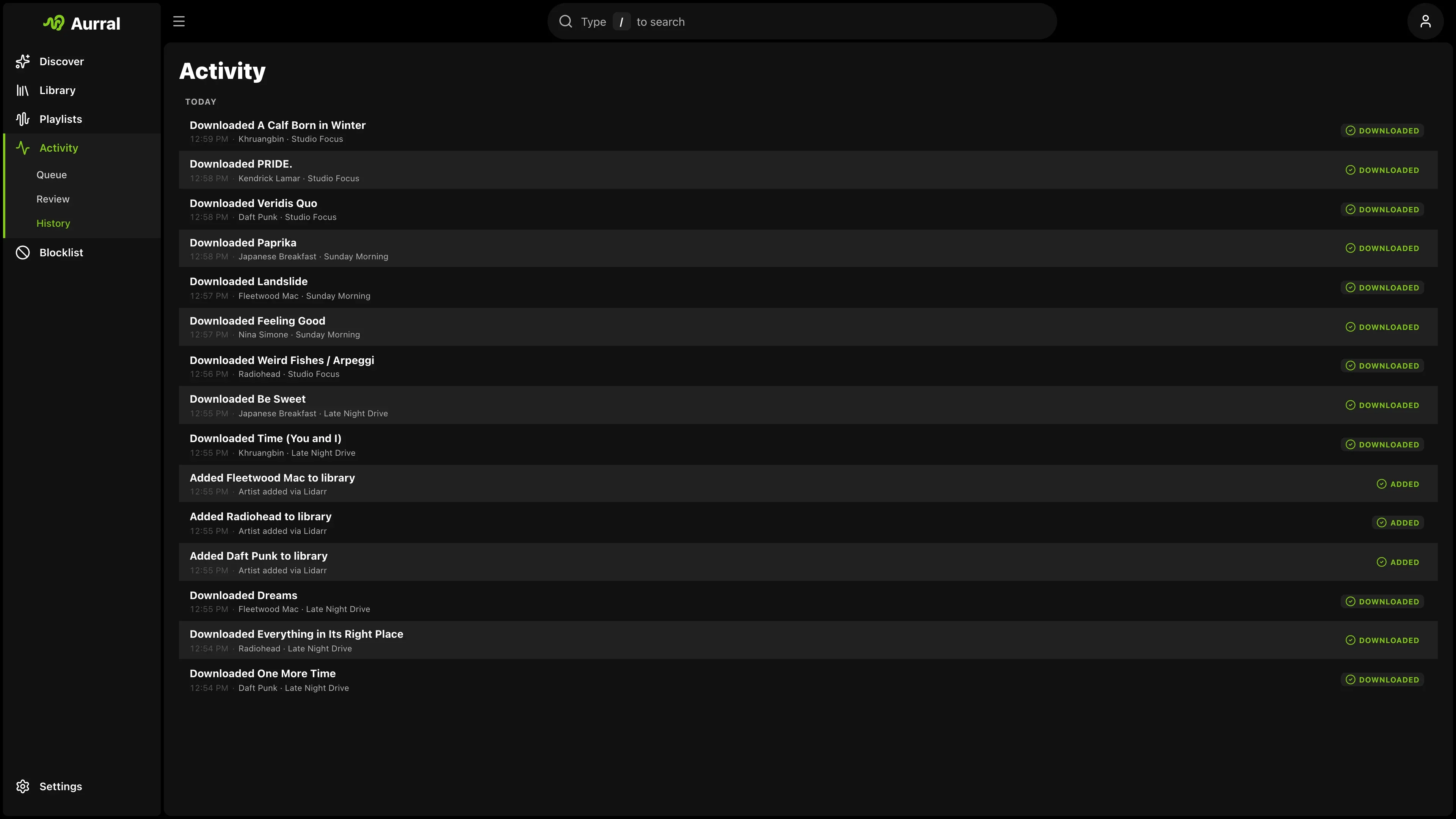
Section titled “When slskd is not logged in”If slskd is not logged in to the Soulseek server, for example during a temporary Soulseek ban, Aurral pauses its Soulseek searches and downloads. Activity shows the track as Waiting. Aurral checks again every minute and continues with the same search or the same user once slskd logs in. A transfer that fails while slskd is logged out is requested again from the same user after login. Neither counts against the user who shares the file.
If slskd is still not logged in after 45 minutes, Aurral tries the next download source, or marks the track as failed if there is none. Test connection and Storage health report slskd as not logged in while this lasts.
Albums
Section titled “Albums”For an Aurral album, Aurral searches for the album alone and looks for a folder that holds the missing tracks. It compares the folder with every edition of the album in MusicBrainz. When several folders fit, Aurral prefers a complete folder, then the best tier in your quality profile, then the closest match, then a user with a free upload slot, a short queue, and a fast upload. It skips folders in a tier that the quality profile turns off, and folders named as a live, bootleg, box set, or greatest-hits release unless the album is one.
Aurral downloads only the files that fill missing tracks. Afterwards it removes the files it did not import, and the folders its imports emptied, from slskd’s download folder. If the folder leaves tracks unfilled, Aurral tries the next ranked folder, from a different user, before it searches for those tracks one by one.
Transfers
Section titled “Transfers”Aurral waits while a transfer makes progress, including while its place in the user’s upload queue moves. If no bytes arrive and the queue position stays the same for 30 minutes, Aurral cancels the transfer and tries the next result. A track that waits 10 minutes in a user’s queue without moving goes to the next result if there is one, and so does an album whose files all wait 10 minutes without any of them starting. For an album, once every other file has finished or failed, files still waiting in the user’s queue get 10 minutes and a file still transferring gets 20; then Aurral imports what finished and tries the next folder for the rest.
A file that fails Aurral’s checks is not offered again for that track.
A user who rejects a transfer, for example because they ban users who share nothing, is not retried for that file. A user who banned Aurral is skipped in later searches until they upload to it again. Failed files in an album download count against the user who shared the folder, so a user who failed several files is ranked lower or skipped later. Many users ban peers without shares, so sharing a folder in slskd makes more uploads succeed.
Fallback
Section titled “Fallback”When other sources are configured, Aurral tries them in priority order. If slskd fails, Aurral tries the next source. See Download source priority and fallback.