
Koito
Koito is optional. It is a self-hosted scrobbler that is compatible with ListenBrainz.
Aurral can use your Koito history for personal recommendations. You do not need Last.fm or the public ListenBrainz service.
Set up Koito for your user
Section titled “Set up Koito for your user”Each user sets up Koito for their own account:
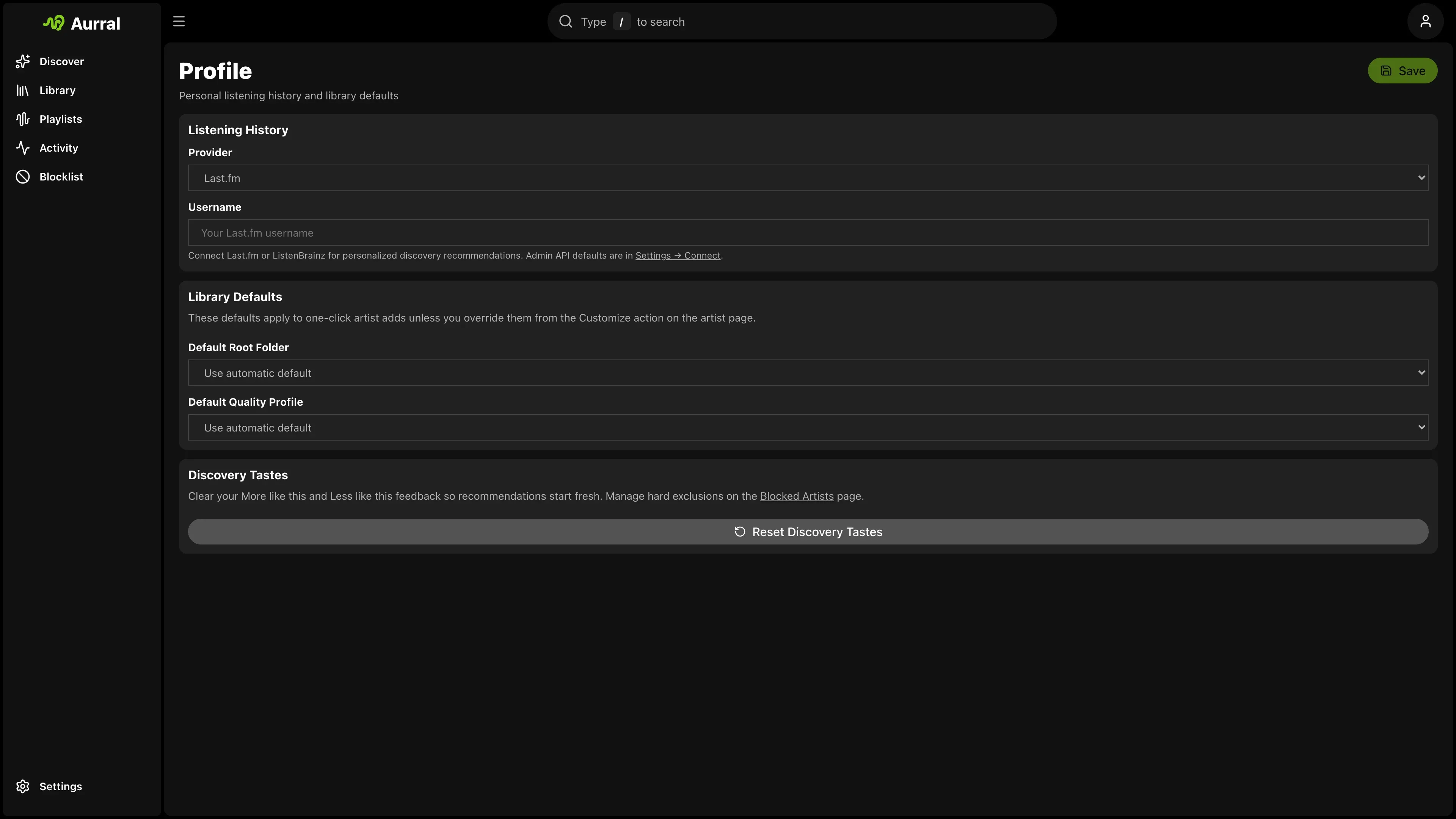
- Open Profile > Listening history.
- Choose Koito.
- Enter a Koito URL that the Aurral server can reach, for example
https://koito.example.com:4110. - Open Settings > Playback > Scrobbling > Koito.
- Enter the Koito API key and select Connect Koito.
Aurral reads your top artists from the Koito chart API. It uses them for recommendations and discover playlists.
Aurral sends finished plays to Koito through its ListenBrainz-compatible submit-listens endpoint. If Koito is down, Aurral keeps the plays in its own history.
Requirements
Section titled “Requirements”- A Koito instance with scrobbles
- Enough history for useful top-artist charts
- MusicBrainz IDs on the Koito artists, so that Aurral can match them to your Library
Compared with Last.fm and ListenBrainz
Section titled “Compared with Last.fm and ListenBrainz”| Provider | Admin setup | User setup |
|---|---|---|
| Last.fm | API key in Settings > Connect | Username in Profile |
| ListenBrainz | None | Username in Profile. User token in Settings > Playback > Scrobbling. |
| Koito | None | Koito URL in Profile. API key in Settings > Playback > Scrobbling. |
Koito supplies listening history only. With a Last.fm API key, Last.fm still supplies similar artists and tags.